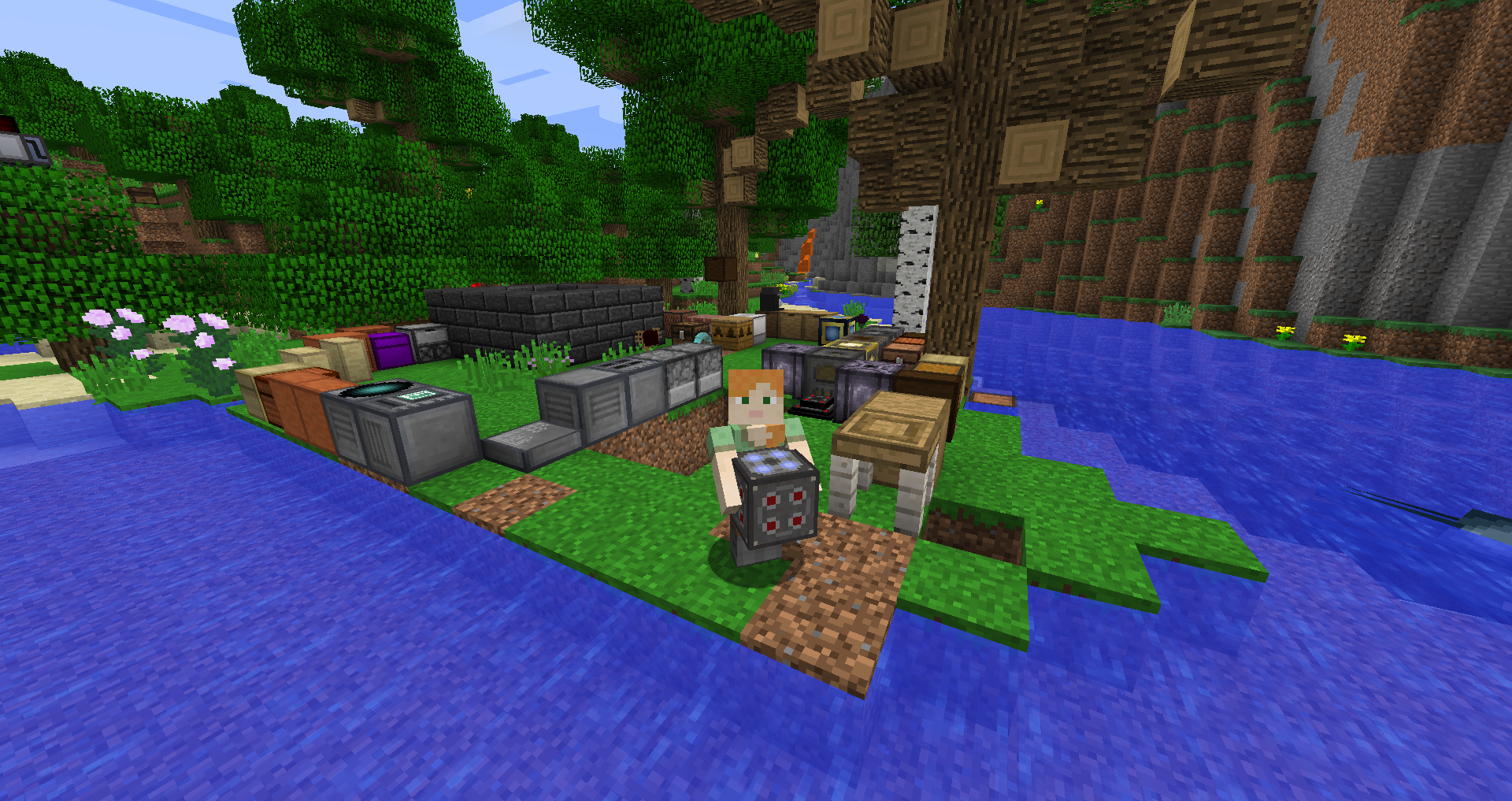
Use this guide as a compatibility-first checklist. Modded Minecraft is most reliable when the game version, loader and mod release are treated as one matched set.
Keep the mod environment understandable
Performance and stability problems are easier to trace when you know which version of each important mod and loader is installed.
Watch the whole modpack
A problem that appears while using Carry On can still be caused by another mod, entity behavior or server configuration.
Reduce variables during diagnosis
Create a duplicate instance and test with only the required pieces. Add optional mods back in groups until the problem returns.
Do not optimize by guessing
Change one setting or mod at a time, note the result and keep a backup. This is slower per step but faster than losing track of what changed.
Related setup checks
- Back up important worlds before a loader or mod change.
- Keep only one intended Carry On build in the active mods folder.
- Use the same Minecraft profile you used when checking compatibility.
Download Now after you have verified the version and loader you intend to use.