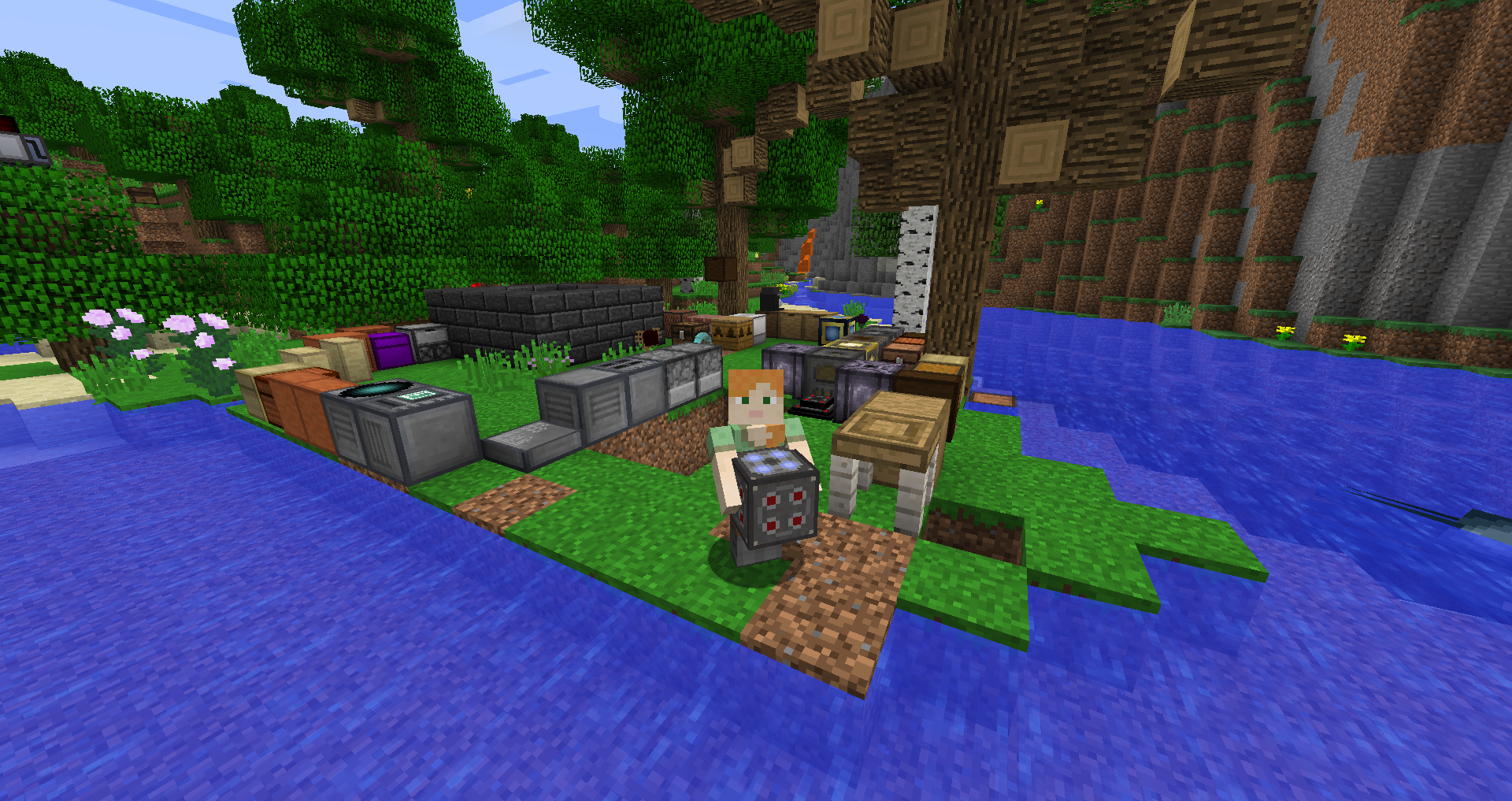
Use this guide as a compatibility-first checklist. Modded Minecraft is most reliable when the game version, loader and mod release are treated as one matched set.
Before installation
Write down the exact Minecraft version and whether the instance uses Forge, Fabric or NeoForge. Back up any important world that you plan to open after changing mods.
Install the matching loader
Launch the selected mod-loader profile at least once so its instance folders are created correctly.
Add Carry On to the mods folder
Place the mod file intended for that Minecraft version and loader into the active instance mods folder. Do not mix Forge, Fabric and NeoForge builds.
Verify the first launch
Start the intended profile, check the mod list if your loader provides one, and test in a backup world before opening your main save.
Related setup checks
- Back up important worlds before a loader or mod change.
- Keep only one intended Carry On build in the active mods folder.
- Use the same Minecraft profile you used when checking compatibility.
Download Now after you have verified the version and loader you intend to use.